Your own shipyard, running on your own PC
Hullforge 3D is a desktop app that turns a ship idea into a real 3D model. Choose space or sea, a ship class, a design style, a look and colours, then sketch a few concept images. Pick the one you like and Hullforge builds it into a textured 3D mesh you can spin around, inspect and save as a .glb file.
Everything runs locally on your NVIDIA graphics card: no cloud, no subscription, no per-model credits. Your designs never leave your machine.
Hullforge 3D is free. Download it, unzip it and run Hullforge.exe; the first launch sets everything up for you.
▶ Watch the full tutorial (5 min, narrated, with captions)
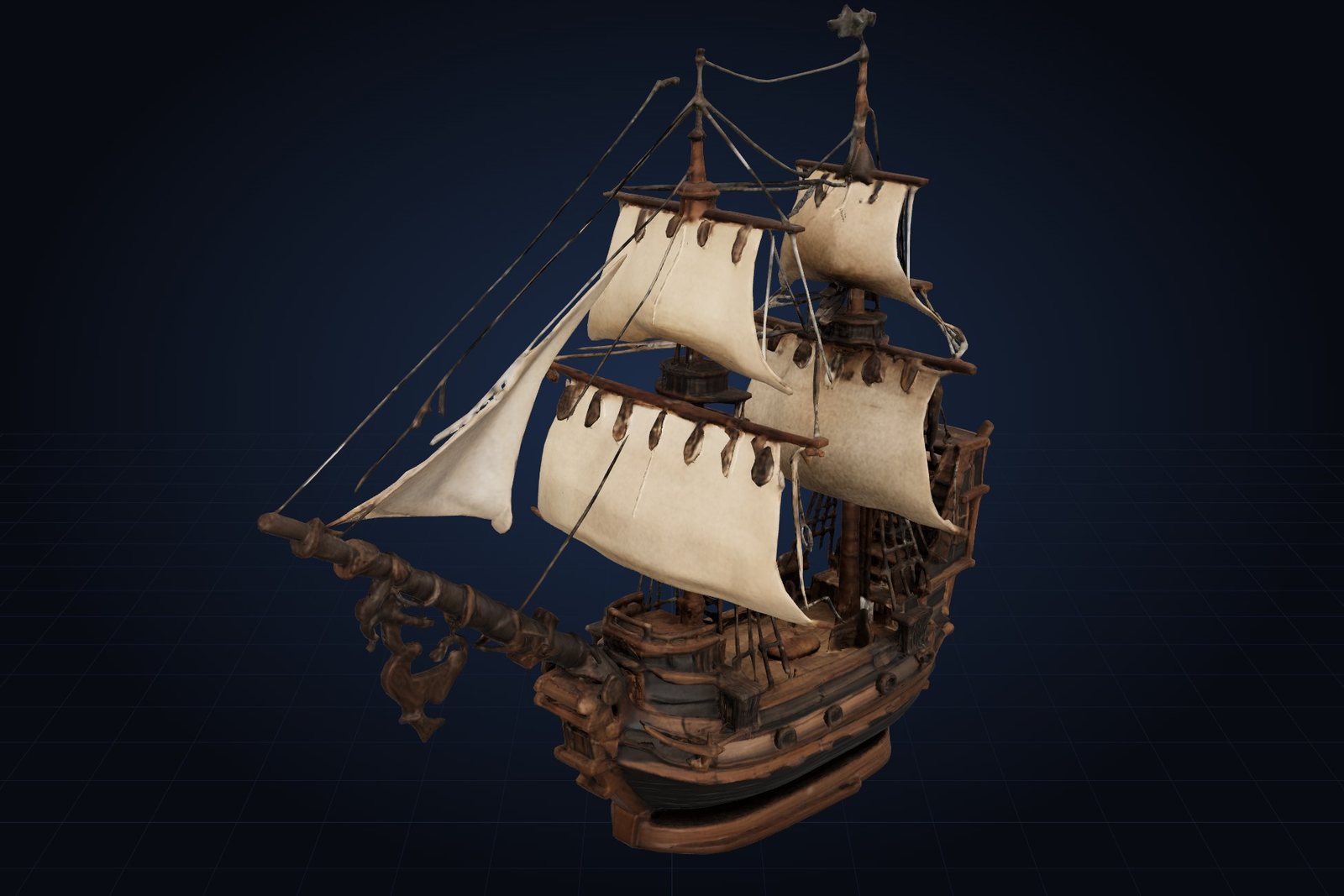
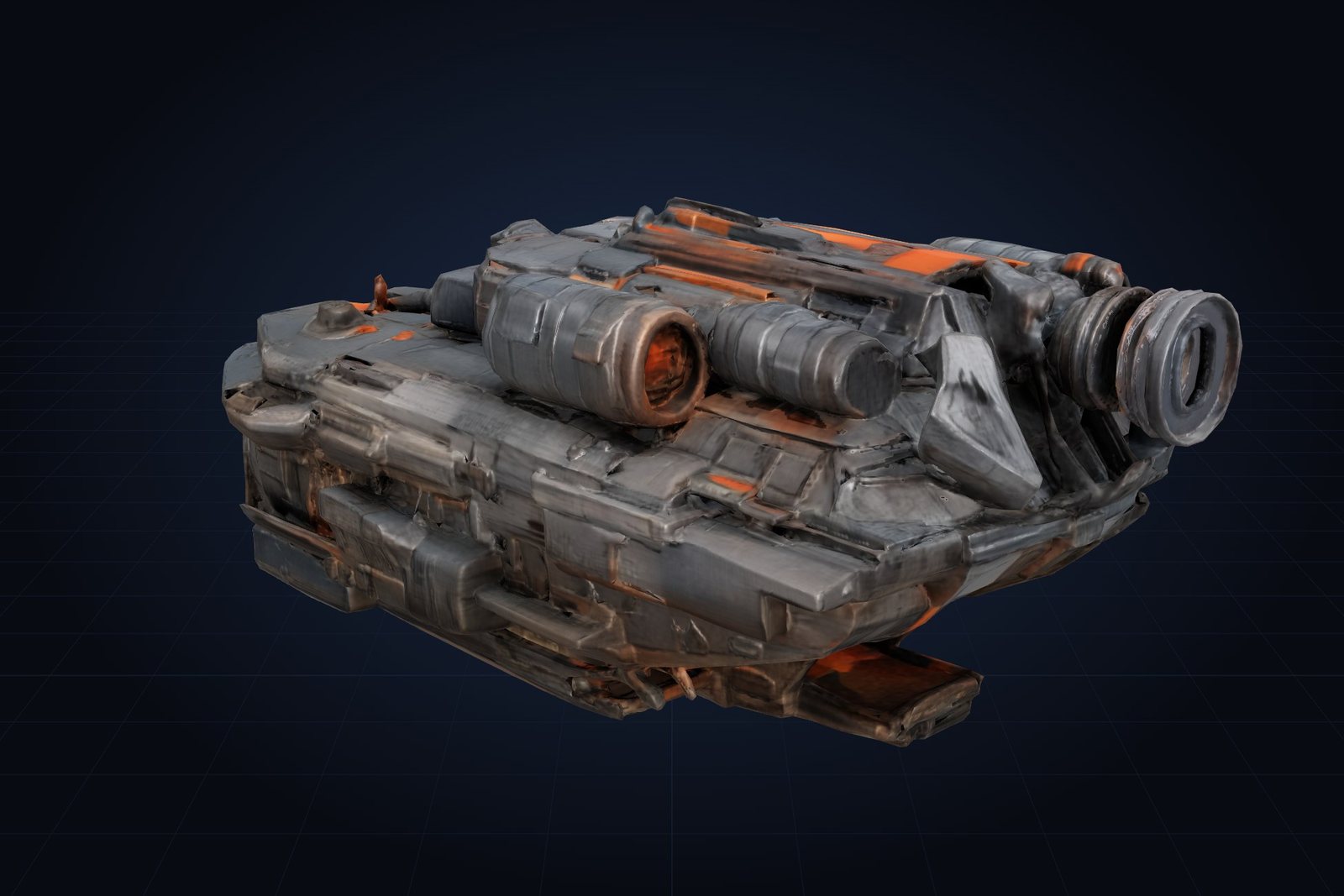
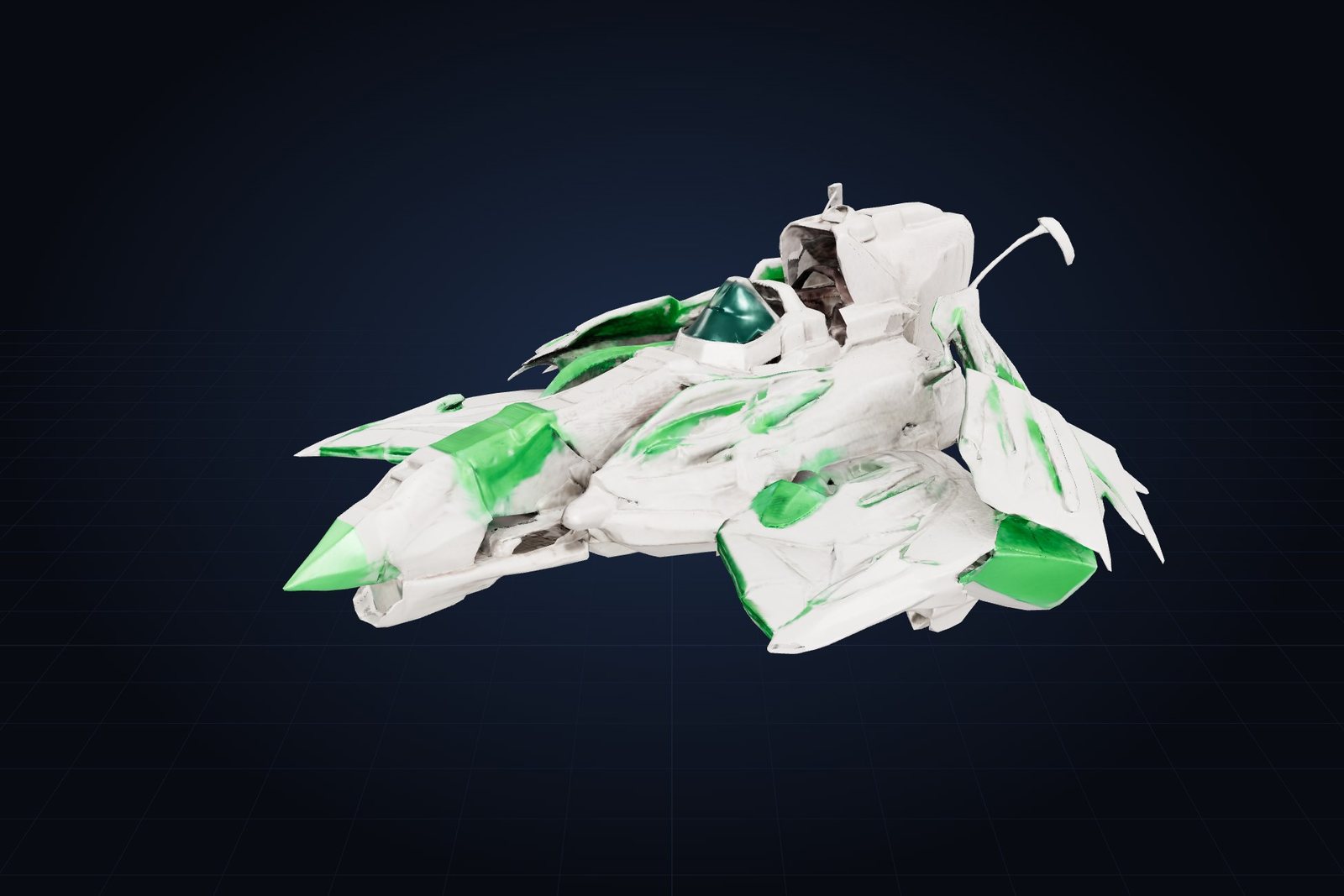
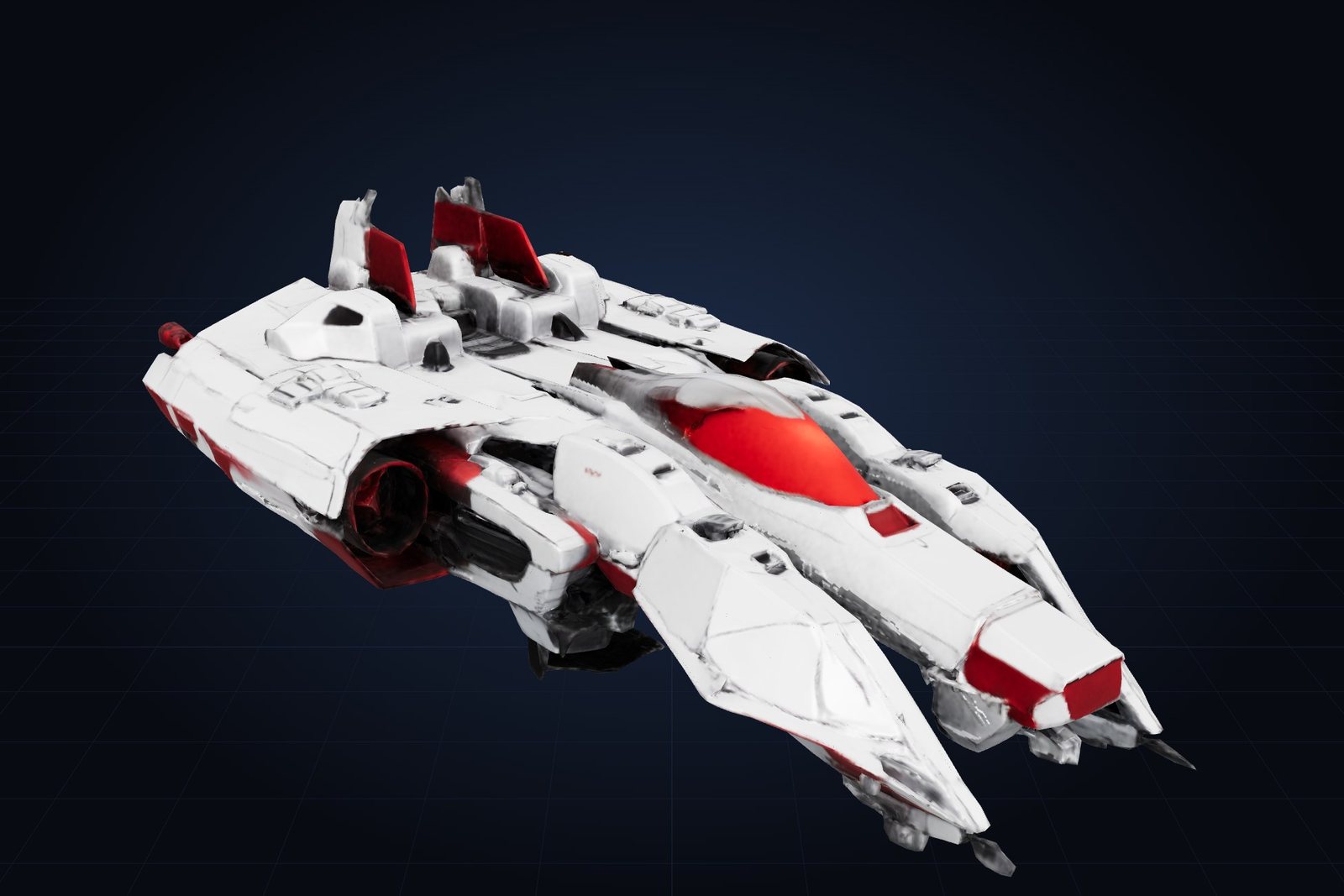
Made with Hullforge 3D
Every ship below was generated by Hullforge on an RTX 5060 Ti and is shown as it came out of the app, with no manual modelling or retouching.
From idea to .glb in four steps
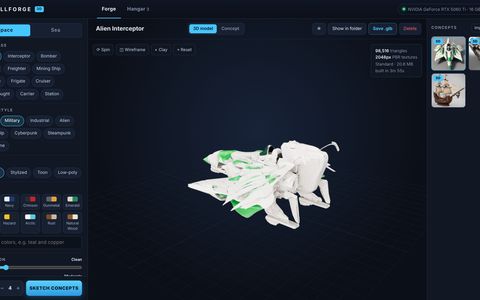
Design
Pick space or sea, a ship class, style, look, colours, condition and detail. Add extra details in plain words.
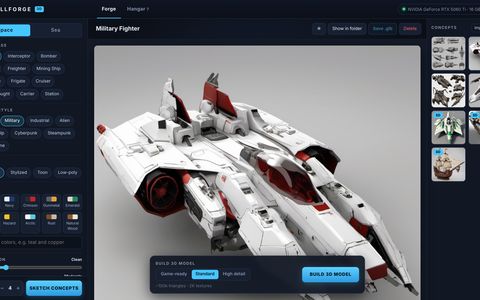
Sketch concepts
Hullforge paints several concept images in about 12 seconds each. Keep sketching until one catches your eye.
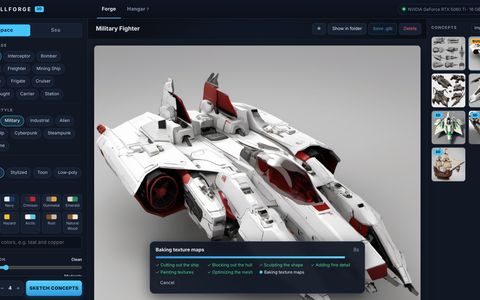
Build in 3D
Choose Game-ready, Standard or High detail. Hullforge cuts out the ship, sculpts the mesh, paints and bakes the textures.
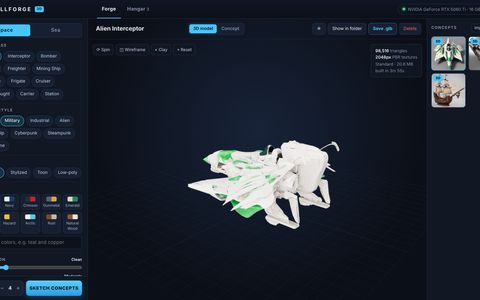
Inspect & export
Orbit the model, check the wireframe and clay views, then save a .glb with its textures embedded.
You can also import your own sketch or render and build a 3D model from it.
Features
- 24 ship classes across space and sea, from fighters, freighters and carriers to galleons, longships and submarines
- 15 design styles, 4 looks (realistic, stylized, toon, low-poly) and 10 colour palettes or your own colours
- Real textured meshes: base colour, metal, roughness, normal and ambient-occlusion maps
- Three quality levels: ~20k, ~100k or ~400k triangles with 1K, 2K or 4K textures
- Built-in 3D viewer with orbit, auto-spin, wireframe and clay modes
- Hangar library with favourites, renaming, rebuilds and quick "show in folder"
- Build from your own concept art or sketches
- One-click setup: the app downloads its engine and AI models itself and resumes if the connection drops
- Fully offline after setup, with no accounts and no telemetry
- Exports standard glTF 2.0 (.glb) for Unity, Unreal Engine, Godot, Blender and the web
System requirements
| Minimum | Recommended | |
|---|---|---|
| OS | Windows 10 64-bit | Windows 11 |
| Graphics | NVIDIA RTX, 8 GB VRAM | NVIDIA RTX, 8 GB VRAM or more |
| Memory | 16 GB RAM | 32 GB RAM |
| Storage | 25 GB free | SSD with 40 GB free |
| Internet | Needed once for setup (about 16 GB download). Hullforge runs offline afterwards. | |
AMD, Intel and Apple graphics aren't supported. Keep your NVIDIA driver up to date.
Licence
Hullforge 3D is free to download and use for personal and commercial projects. You can use the models you generate in your games and projects. Please don't resell or redistribute the app itself; link people to this page instead.